

Joint Inspection Center
Your whole site, alive on one screen.
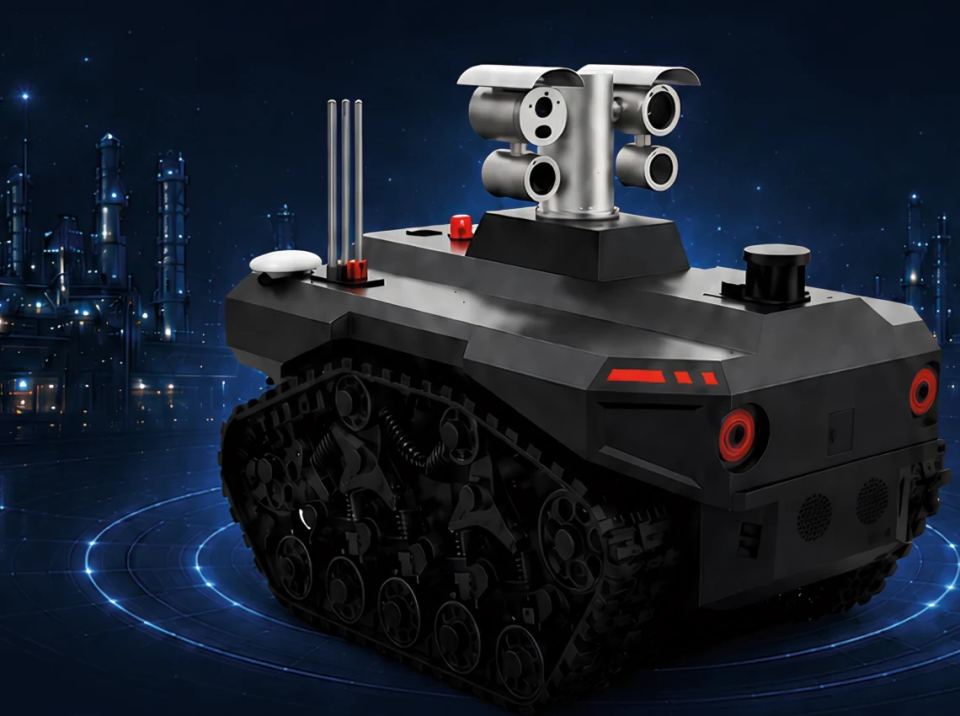
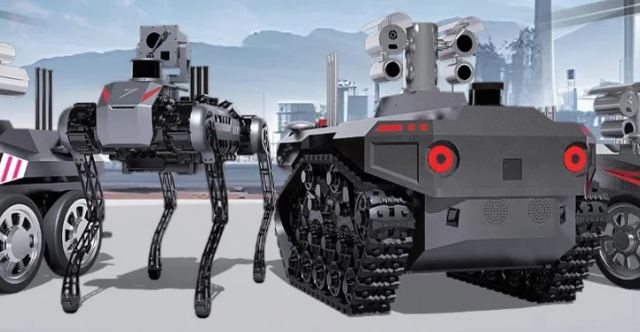
A live 3D twin of your site, with every quadruped, crawler, drone and ROV on it. Plan the mission, watch it run, and make the call from one screen.
Escalated to supervisor · SMS
Fleet5 units · 1 supervisor
-
 Q1 Quadruped Patrol · Process units Patrolling
 -
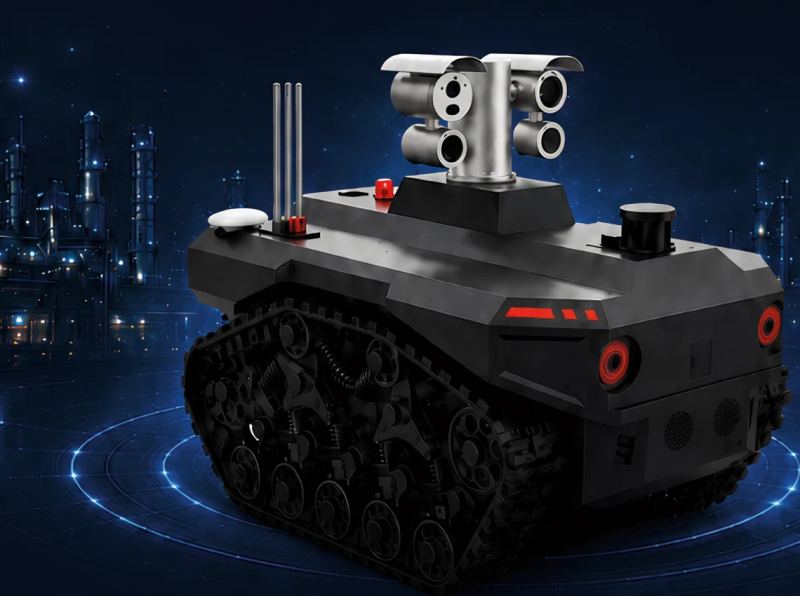
 T1 Tracked crawler Patrol · Tank farm Patrolling
 -
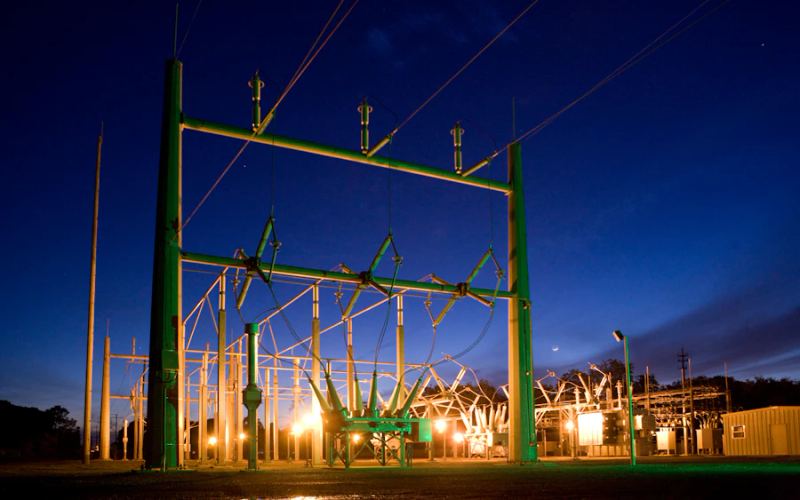
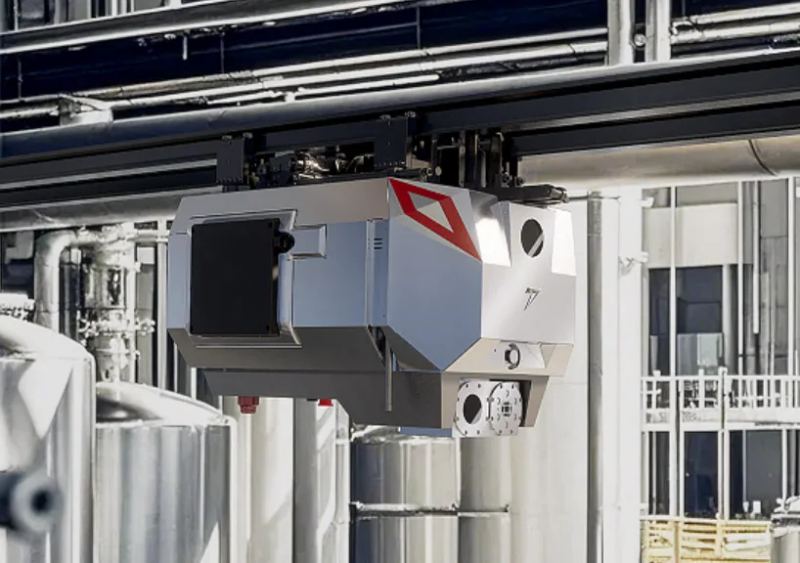
 R1 Rail robot Thermal pass · Substation 2 Escalated
 -
 D1 Survey drone Perimeter survey Surveying
 - M1 Subsea ROV Hull scan · Wharf Scanning
EventsSmart Edge Alarms
- T+00:43Alarm escalated to the supervisor by SMS
- T+00:42R1 flagged a thermal anomaly at Substation 2
- T+00:00Shift patrol started across five units
What it does
Three jobs, one platform.
Not just a camera feed: the whole site, the whole fleet and every alarm in one place.
Screens and site views in this section are illustrative.
-
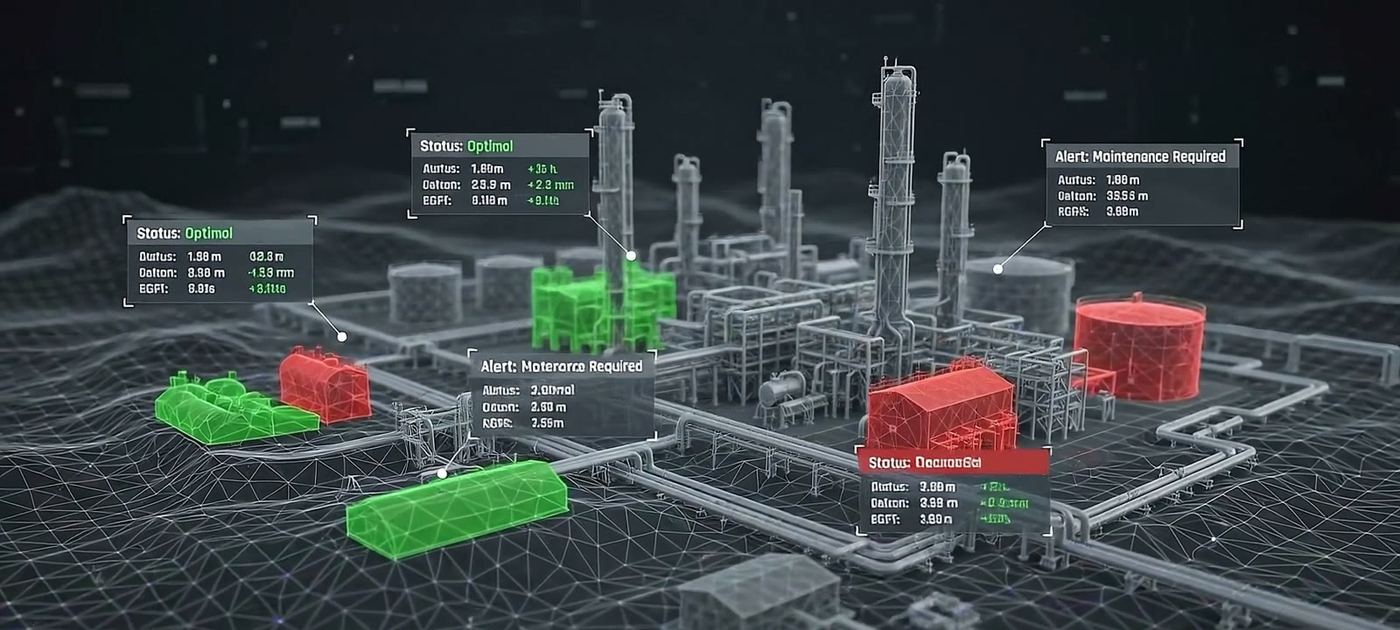
The whole site, live in 3D
Point-cloud plant visualisations keep every unit on screen, not just one robot’s camera feed.
-
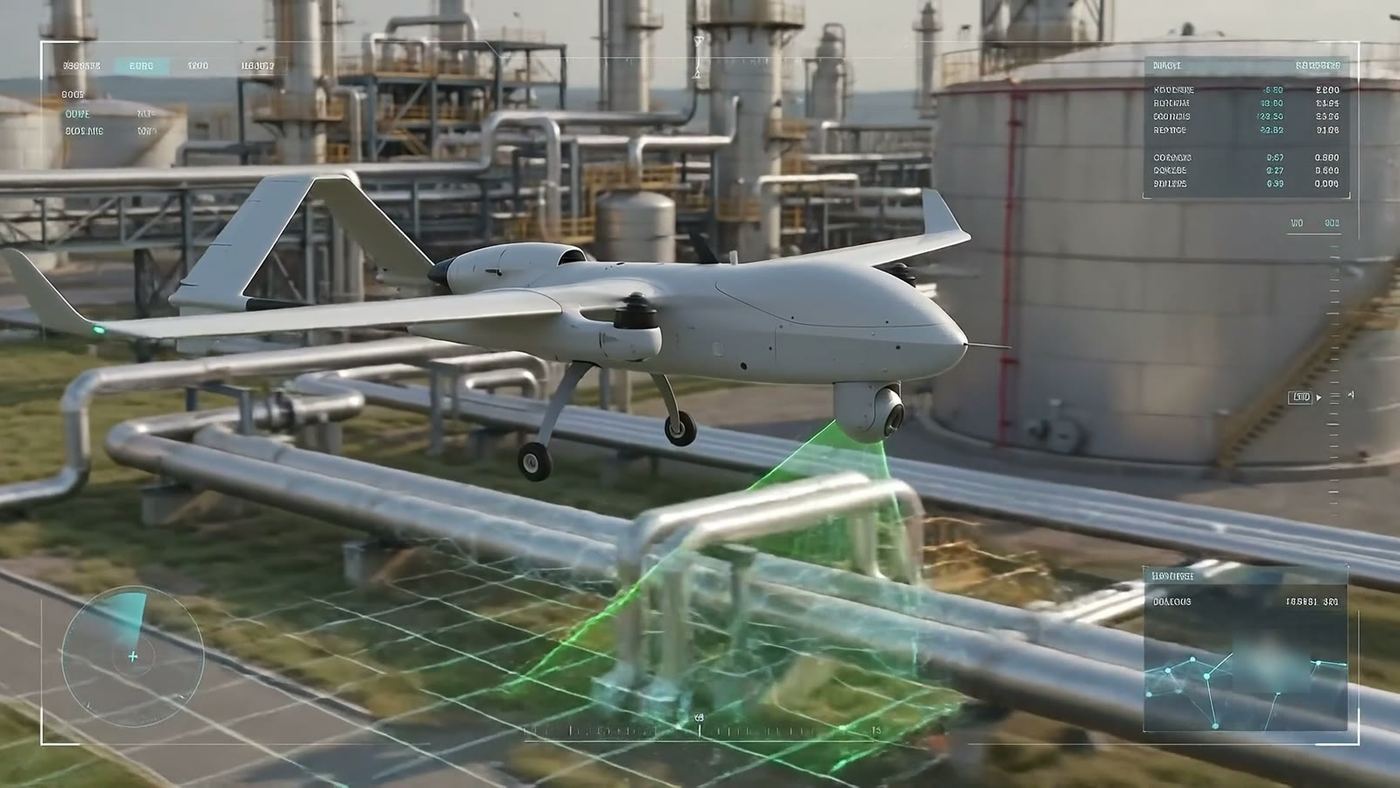
Rehearse it, then run it
Plan routes and checks in the twin, then dispatch the real fleet from the same view.
-
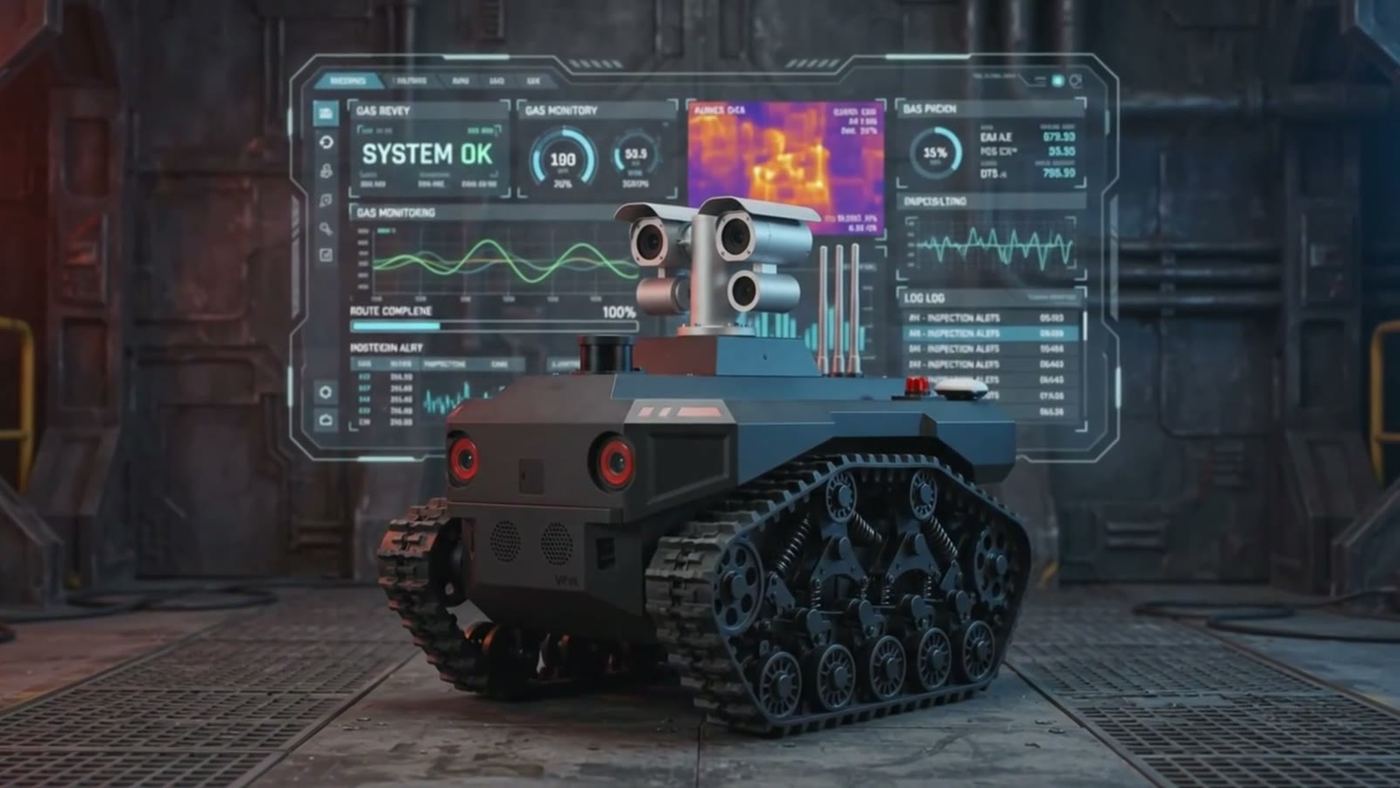
Faults found at the edge
Thermal and AI anomaly detection flag faults, corrosion and gas, escalated by dashboard and SMS.
See more than the camera
One view, every sensor layer.
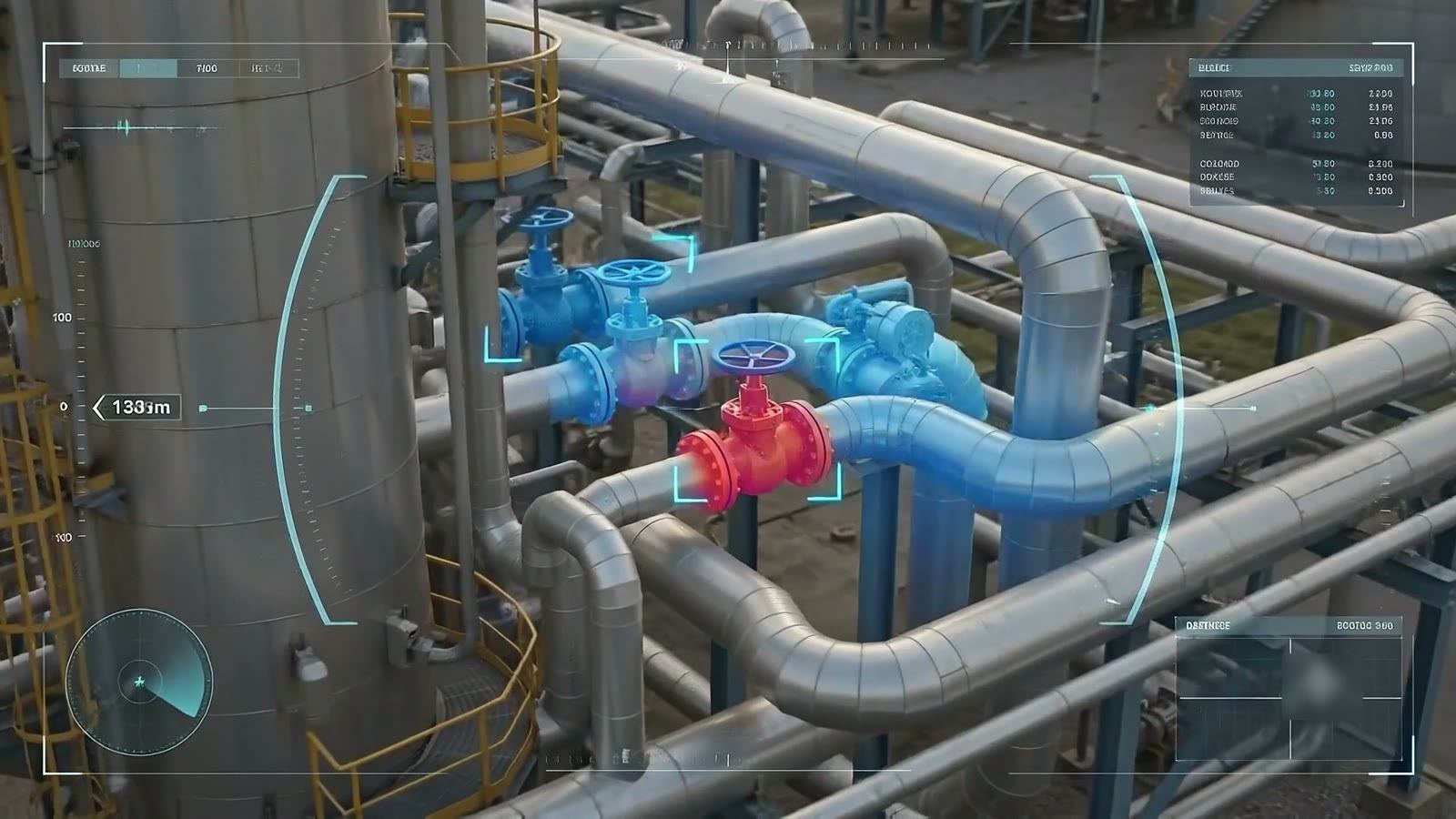
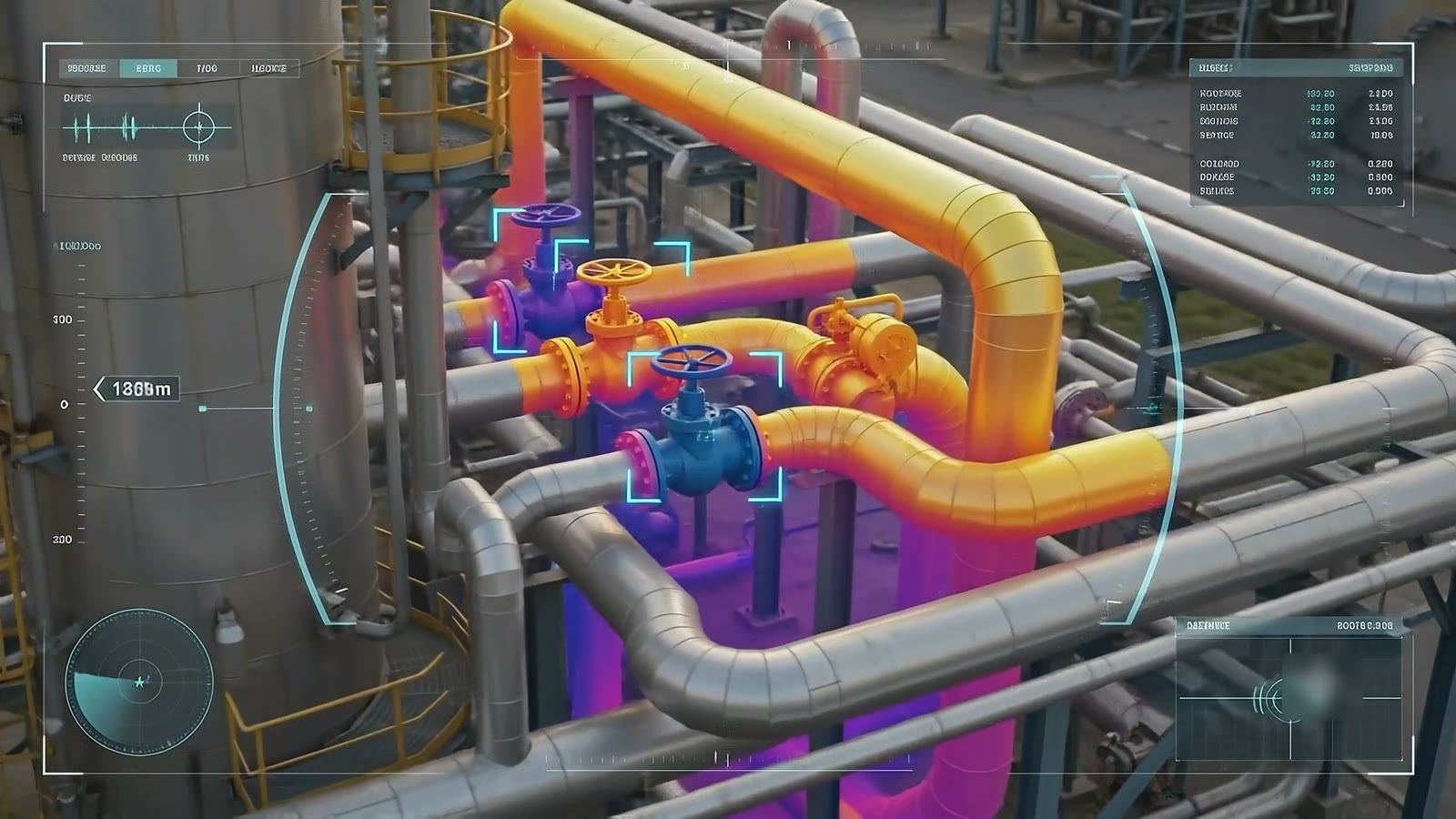
The twin lays every sensor over the same pipes, so a hot flange stands out before it fails.
- Thermal layerLive Heat signatures mapped onto the asset itself.
- Gas layerLive Leaks plotted where they are at trace levels, not just logged.
- Vision AI layerLive Gauges read and anomalies flagged on every pass.
How a mission runs
From rehearsal to a human decision.
Robots take on the exposure. Every decision that matters still goes to a person.
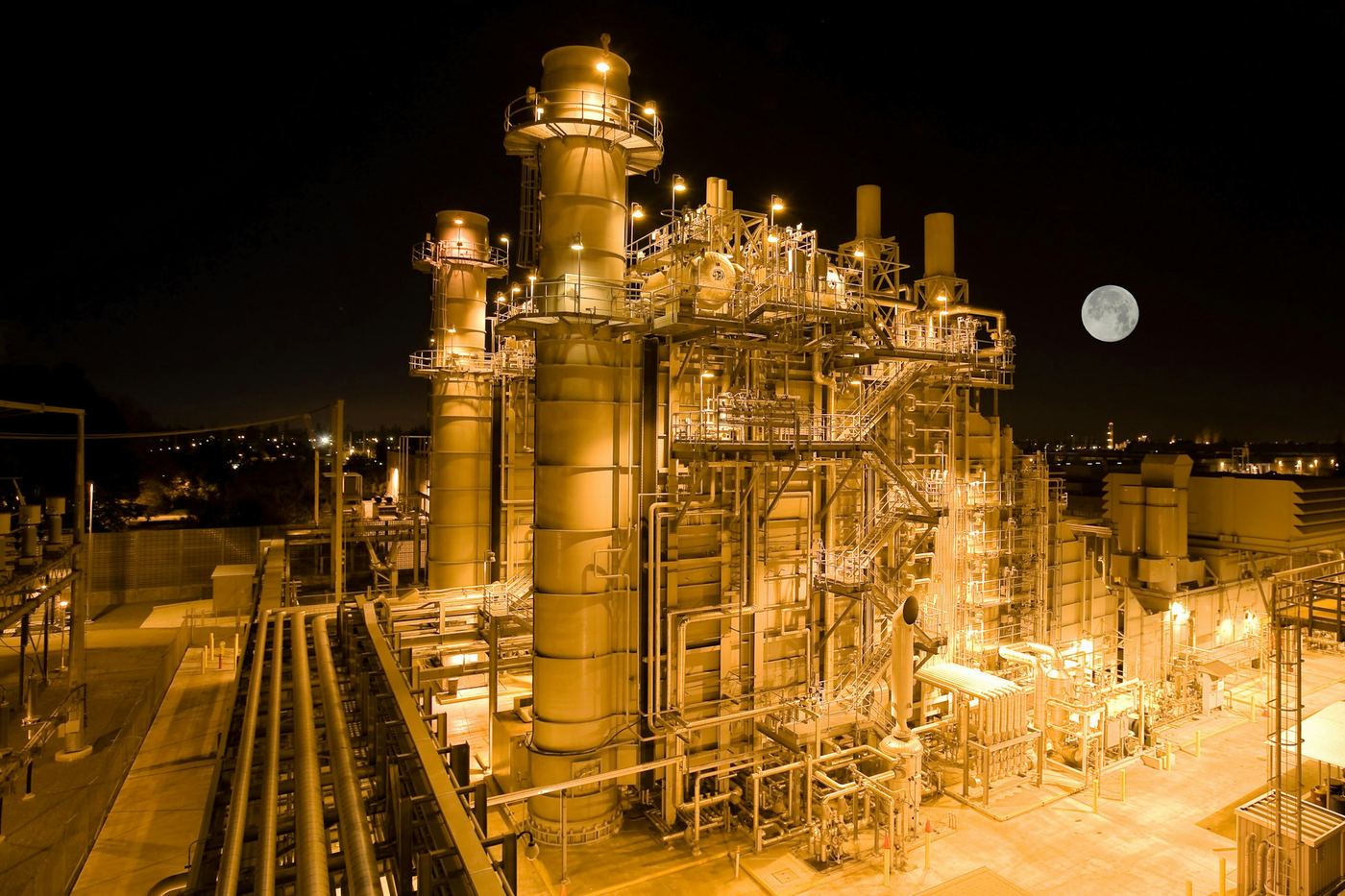
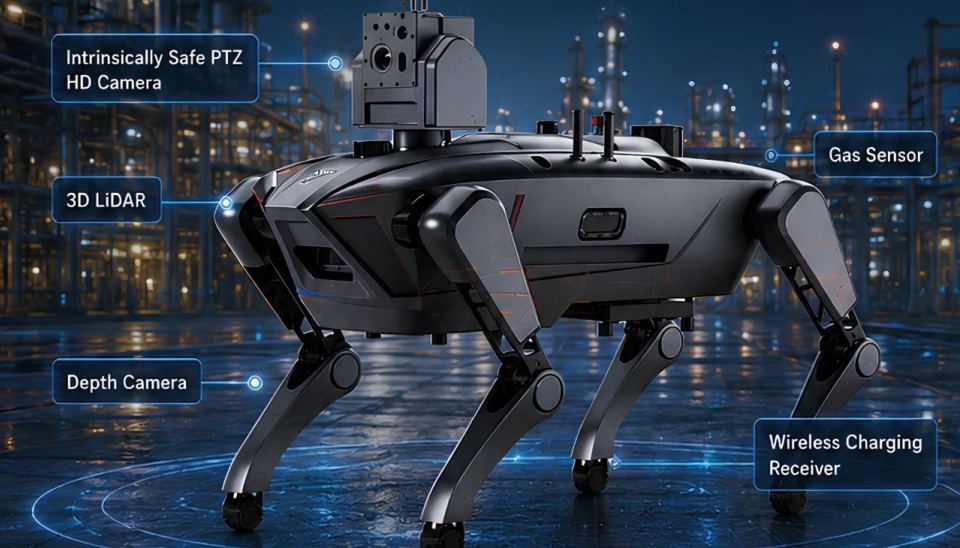
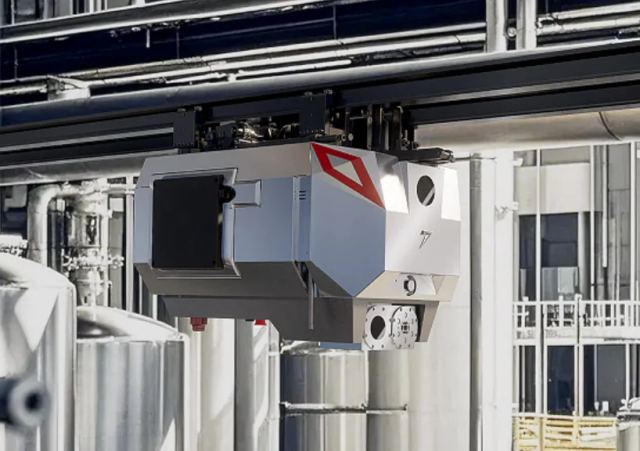
Illustrative scene · sample data
-
Rehearse
Step 1: Plan the route in the twin
Set the route and the checks in the digital twin before a robot moves.
-
Dispatch
Step 2: Send the fleet out
Ground, marine and aerial units leave from the same view.
-
Sense
Step 3: Read it at the edge
Cameras, thermal and gas sensors are processed on the robot itself.
-
Alarm
Step 4: Escalate in seconds
Anomalies reach the dashboard and a supervisor’s phone by SMS.
-
Decide
Step 5: A person makes the call
Robots take the exposure. Your people keep command.
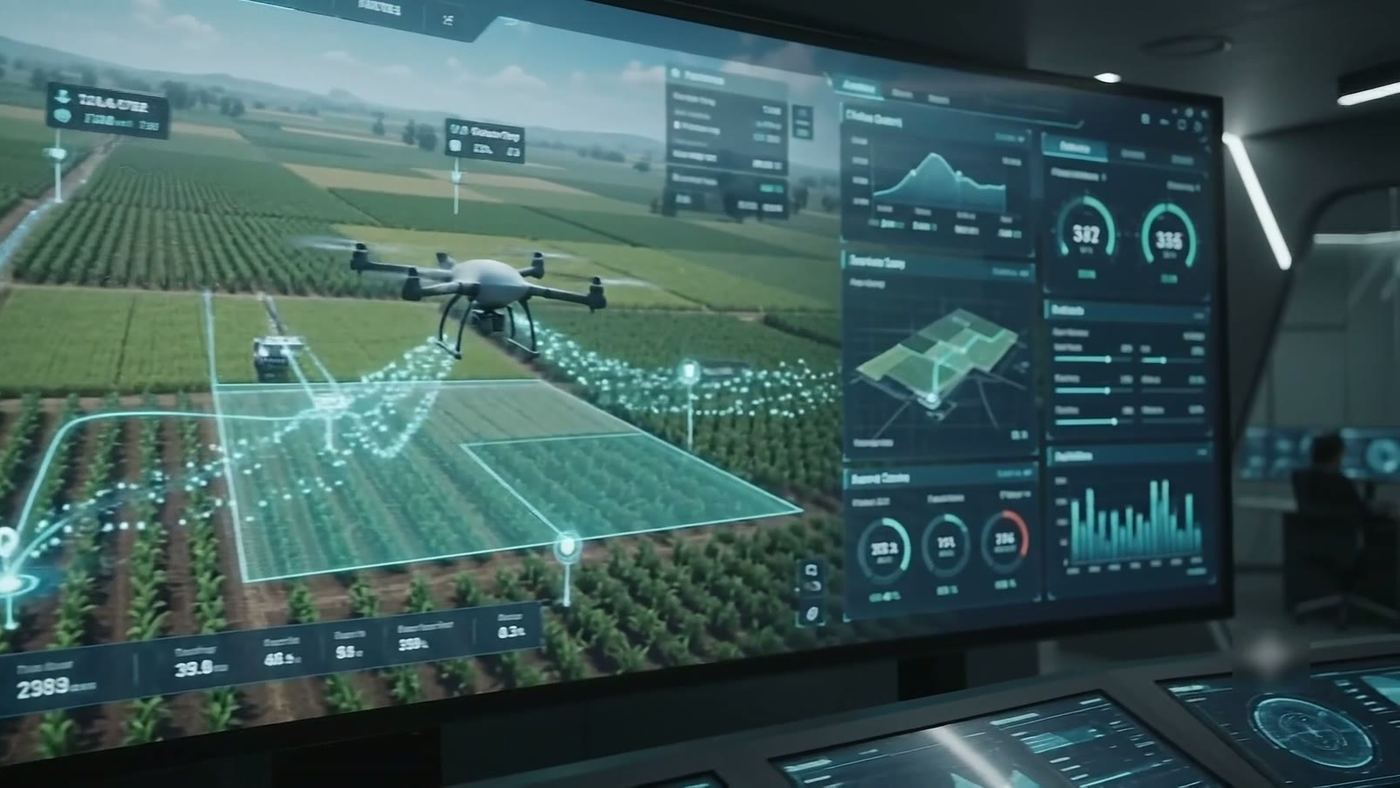
Mixed fleets
Every platform reports in.
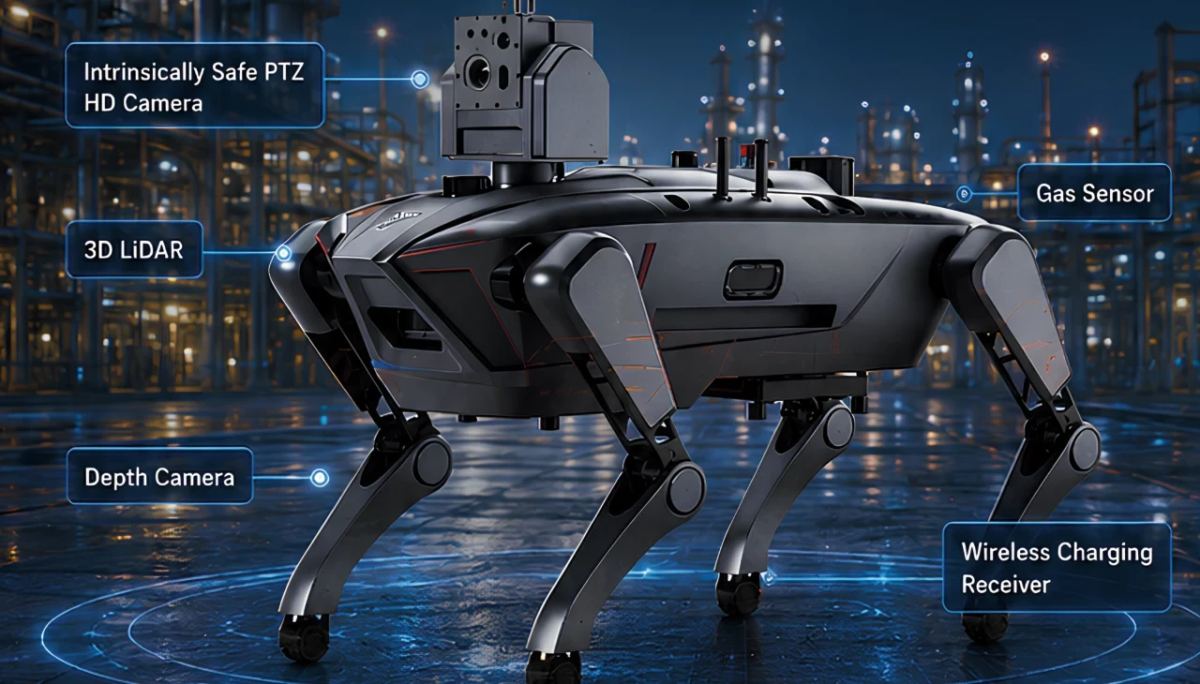
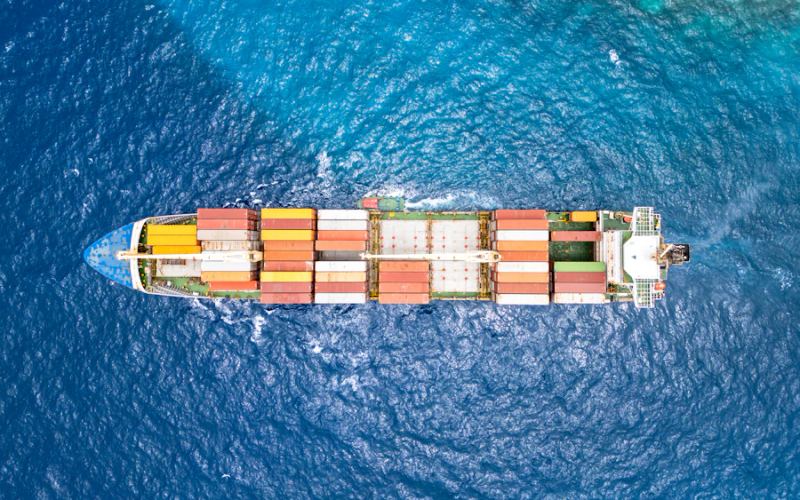
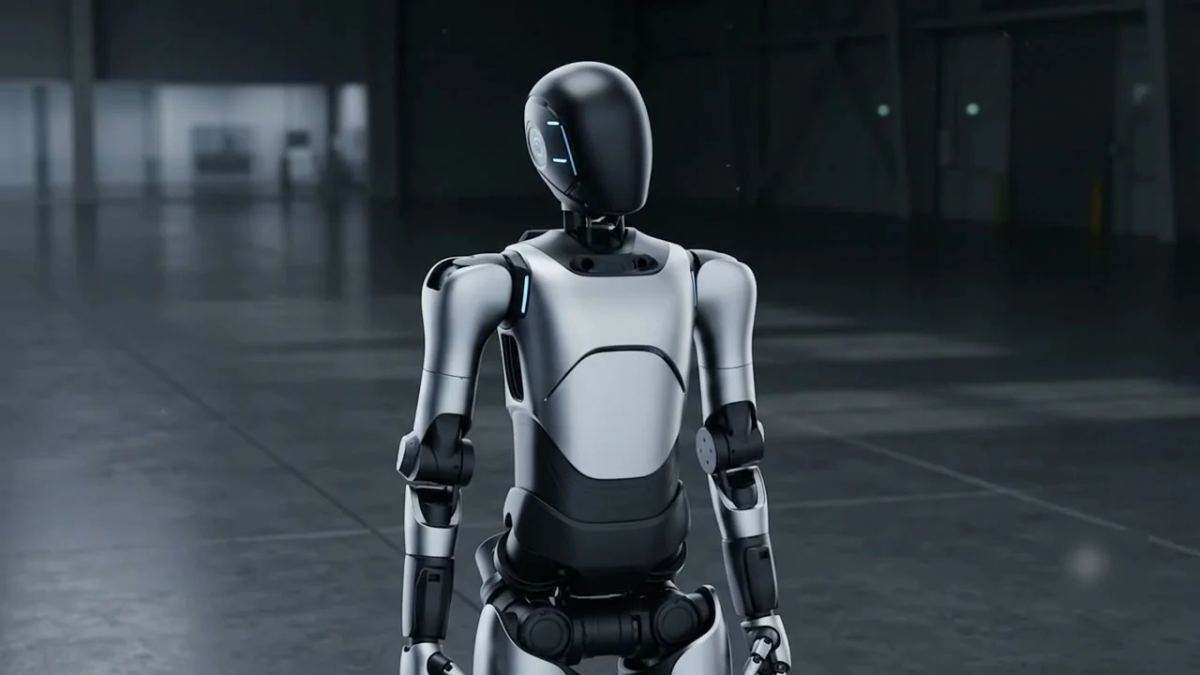
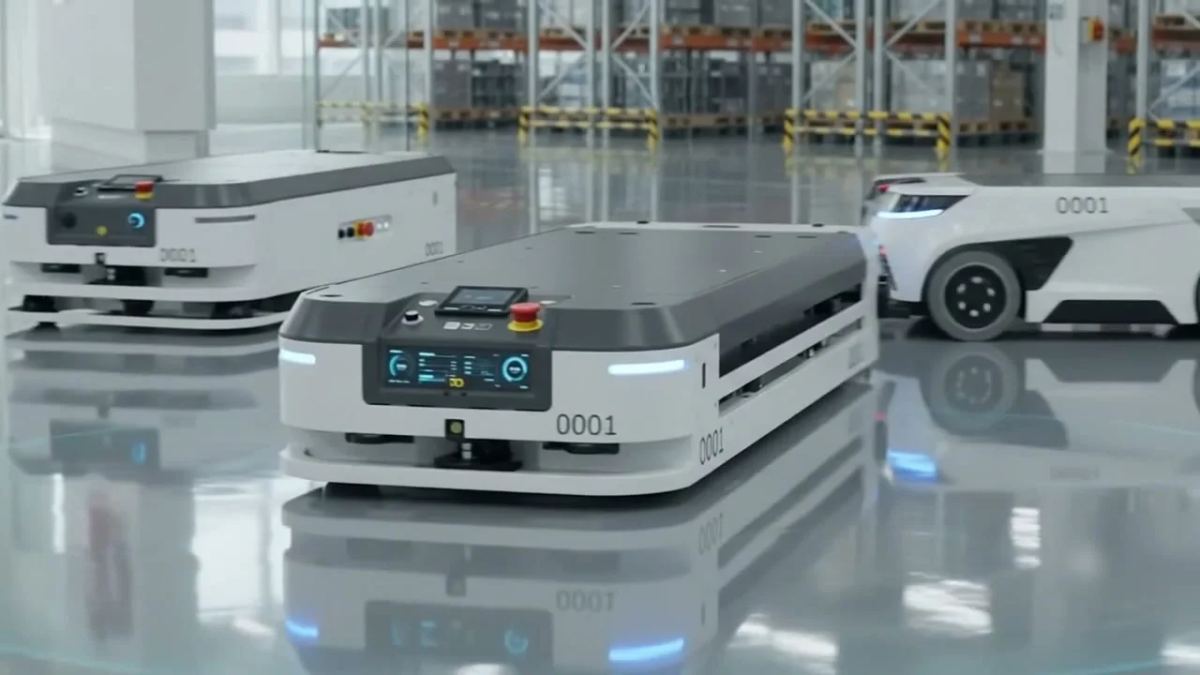
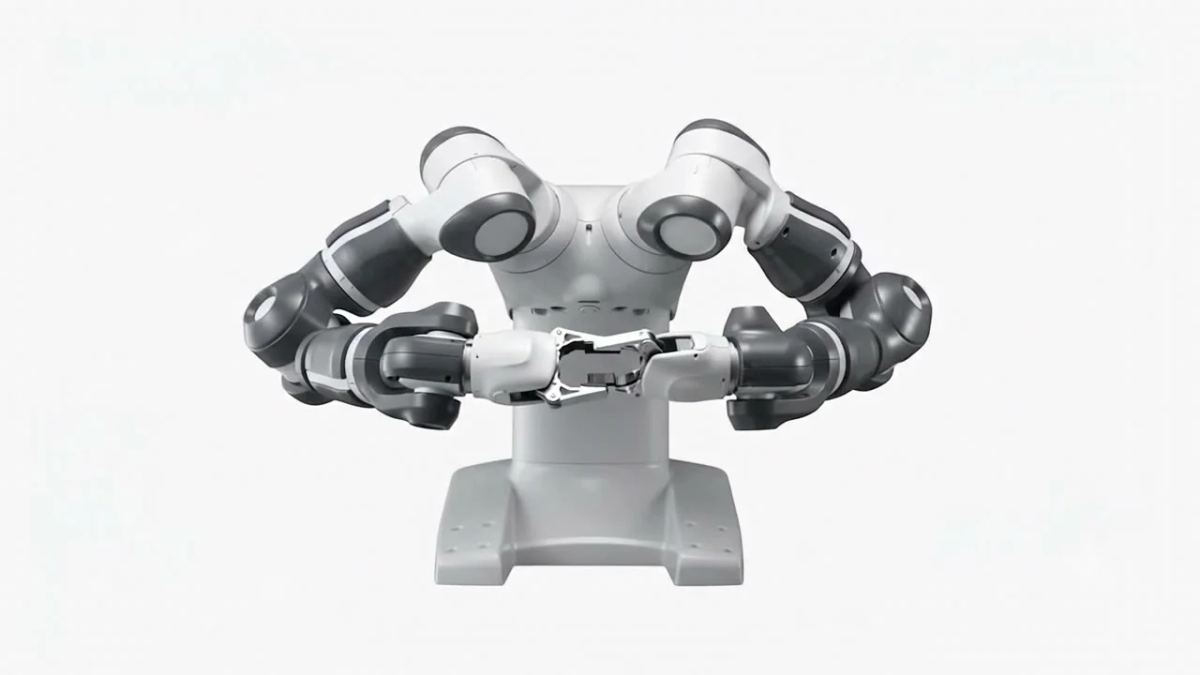
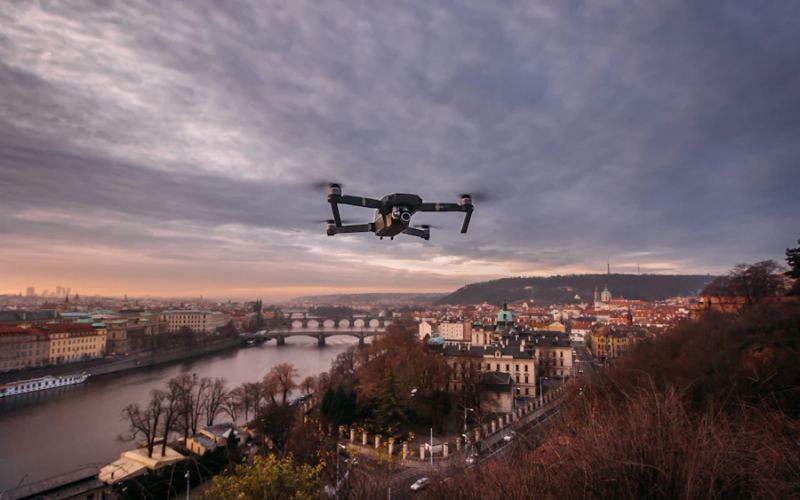
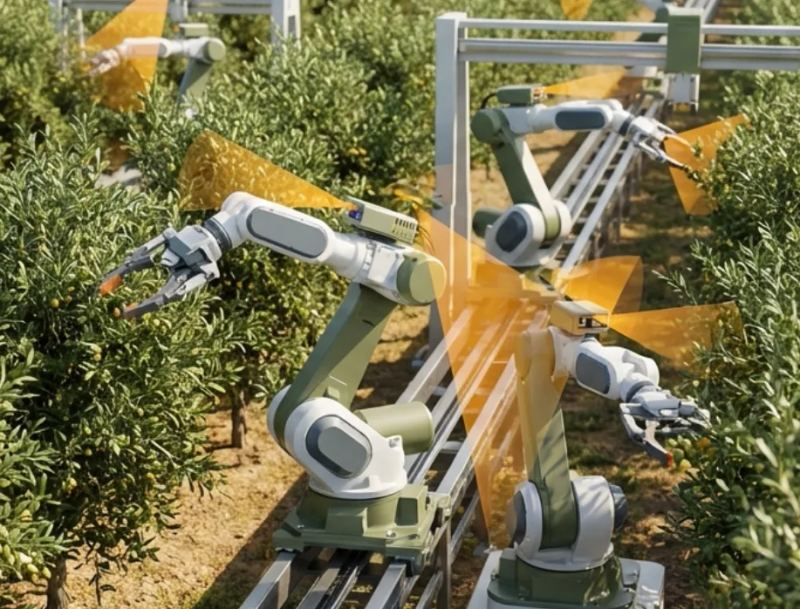
Ground, marine, aerial and line-side robots share one console, not a separate system for each machine.
All robots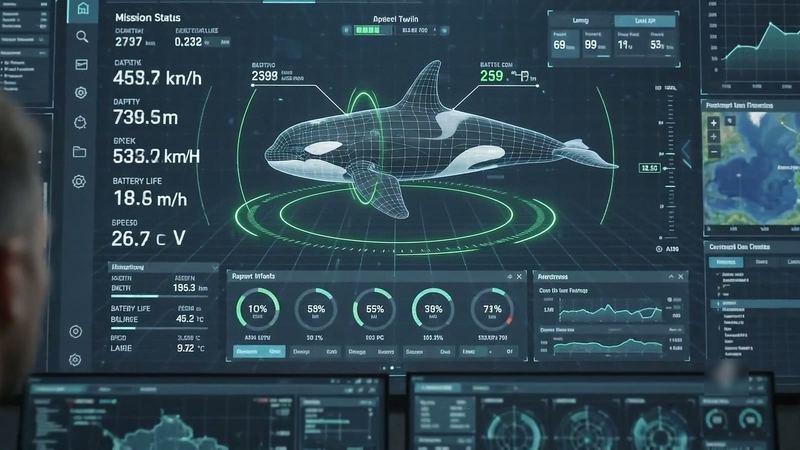
The backbone
A network that reaches every robot.
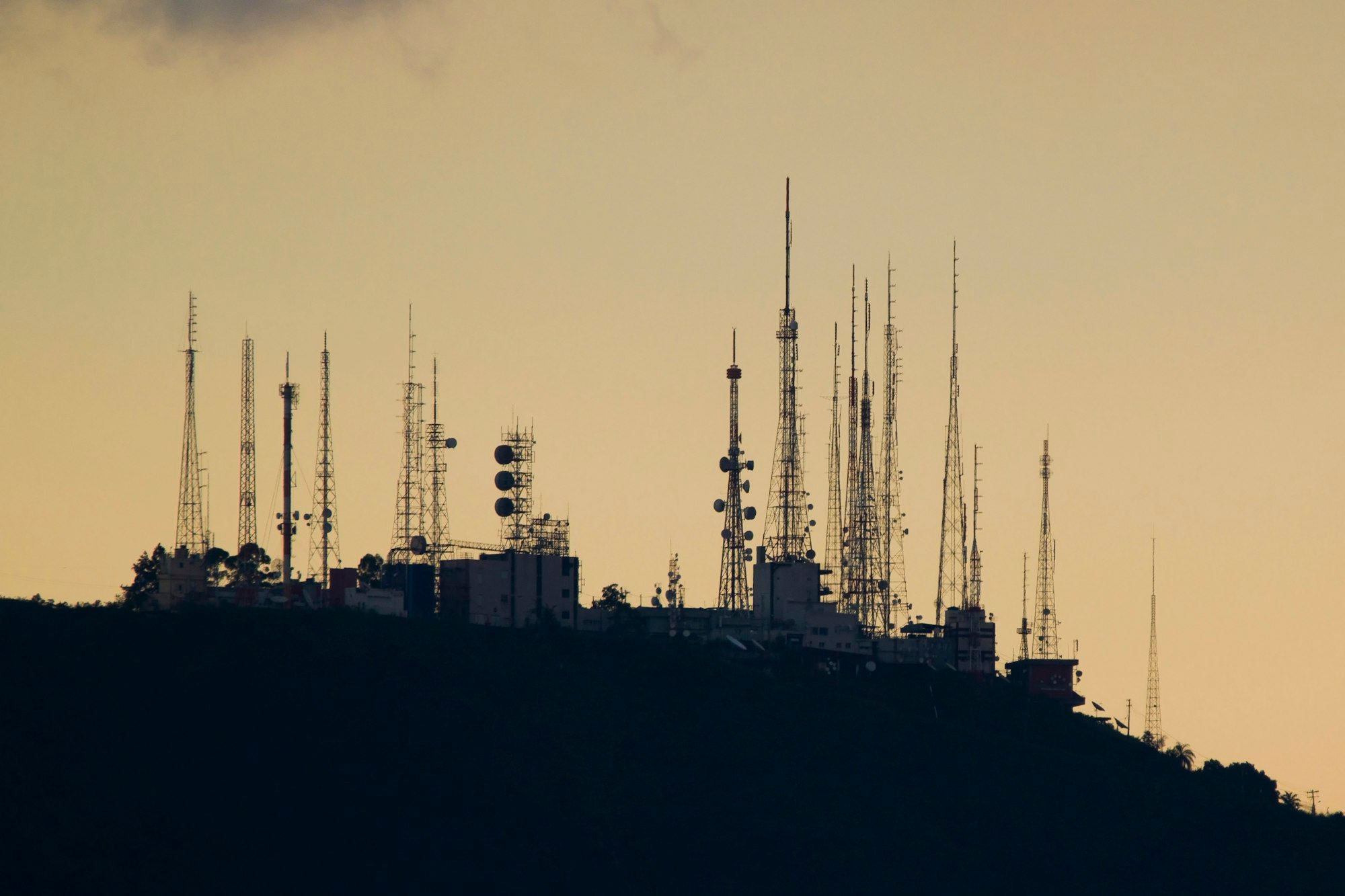
Super Wi-Fi is the network; the Joint Inspection Center is the console. Every robot on it shows up live, however far it is from a cell tower.
- Kilometres of reachLow-latency links across open terrain, pit walls and plant steel
- Adaptive routingRe-routes around interference on its own
- One backboneRobot control, sensor backhaul and oversight on one link
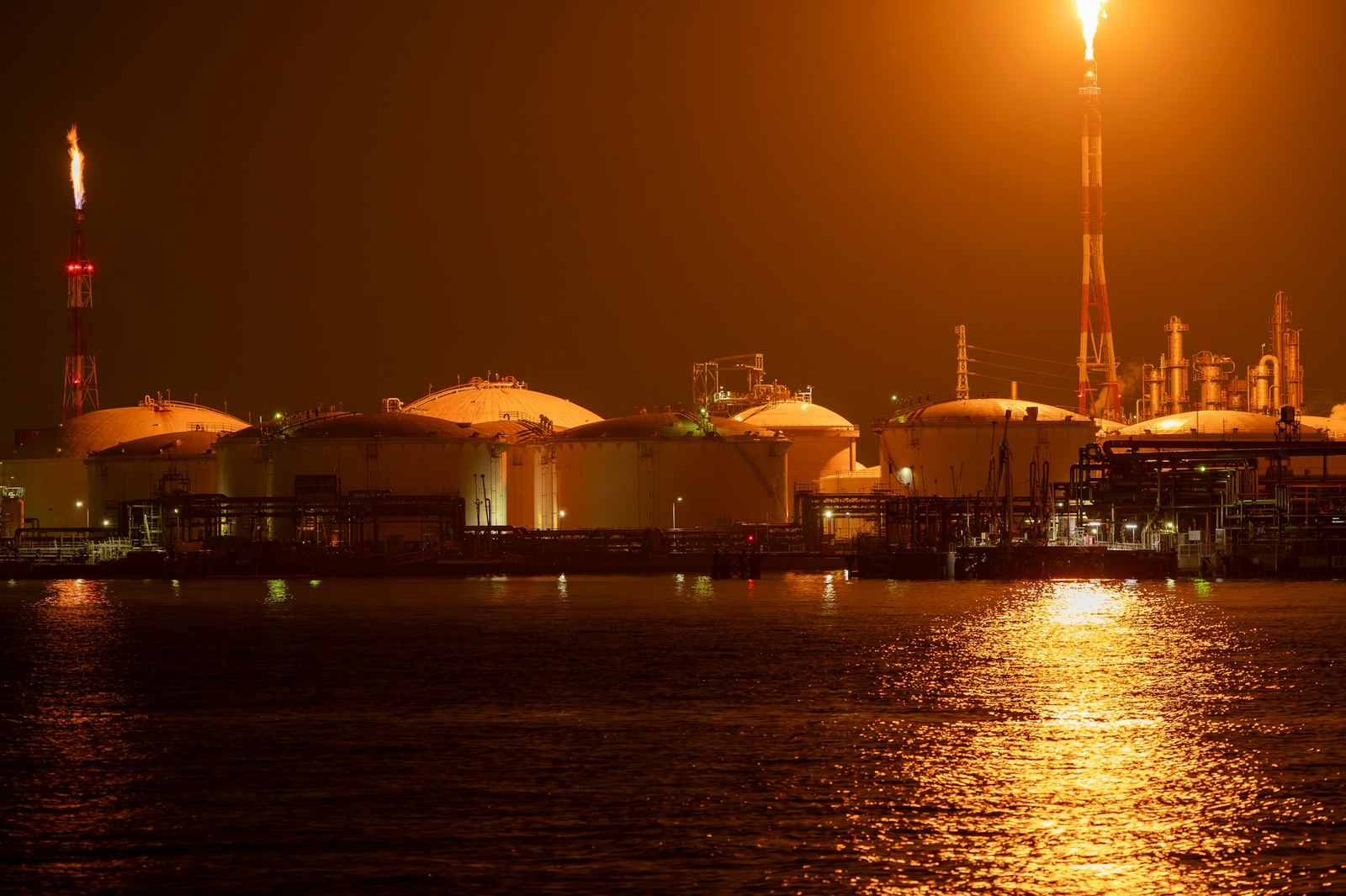
Green energy ventures
Clean energy, safeguarded by robots.
With Constellation Technologies, Orion applies autonomous surveillance and compliance automation to the next generation of clean energy infrastructure.
-
-
-
Book a live demo
See the platform live, on your data.
Watch the Joint Inspection Center build a digital twin of a working site, and decide for yourself what it would do with yours.